Order faster, serve happier guests
Guests place orders in-browser while your team fulfills every ticket with clarity.

Instant staff ping
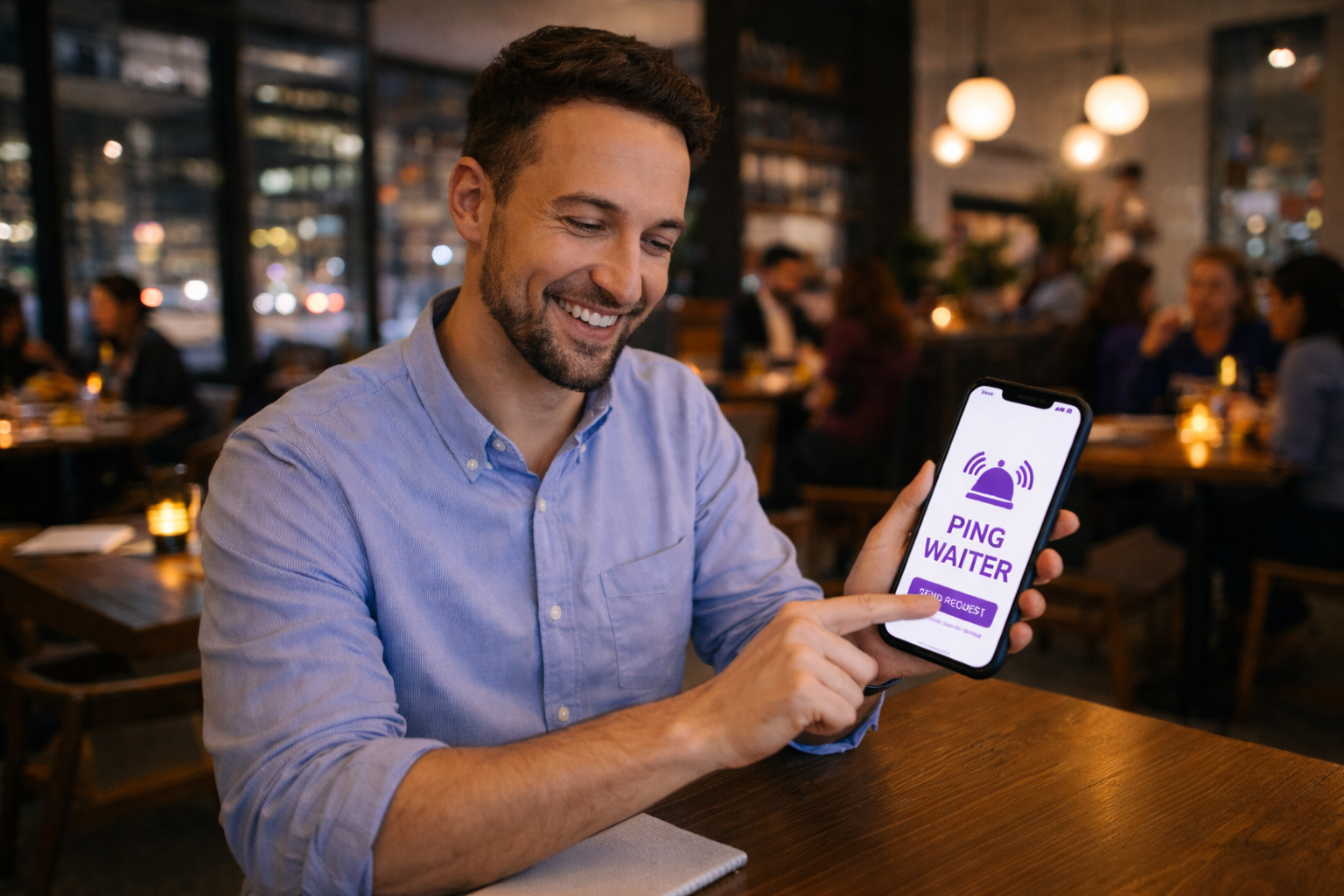
Guests call a waiter in one tap
When guests need help, they send a table ping instantly from their phone. Your team sees requests in real time so no one is left waiting to wave someone down.
Table menu links
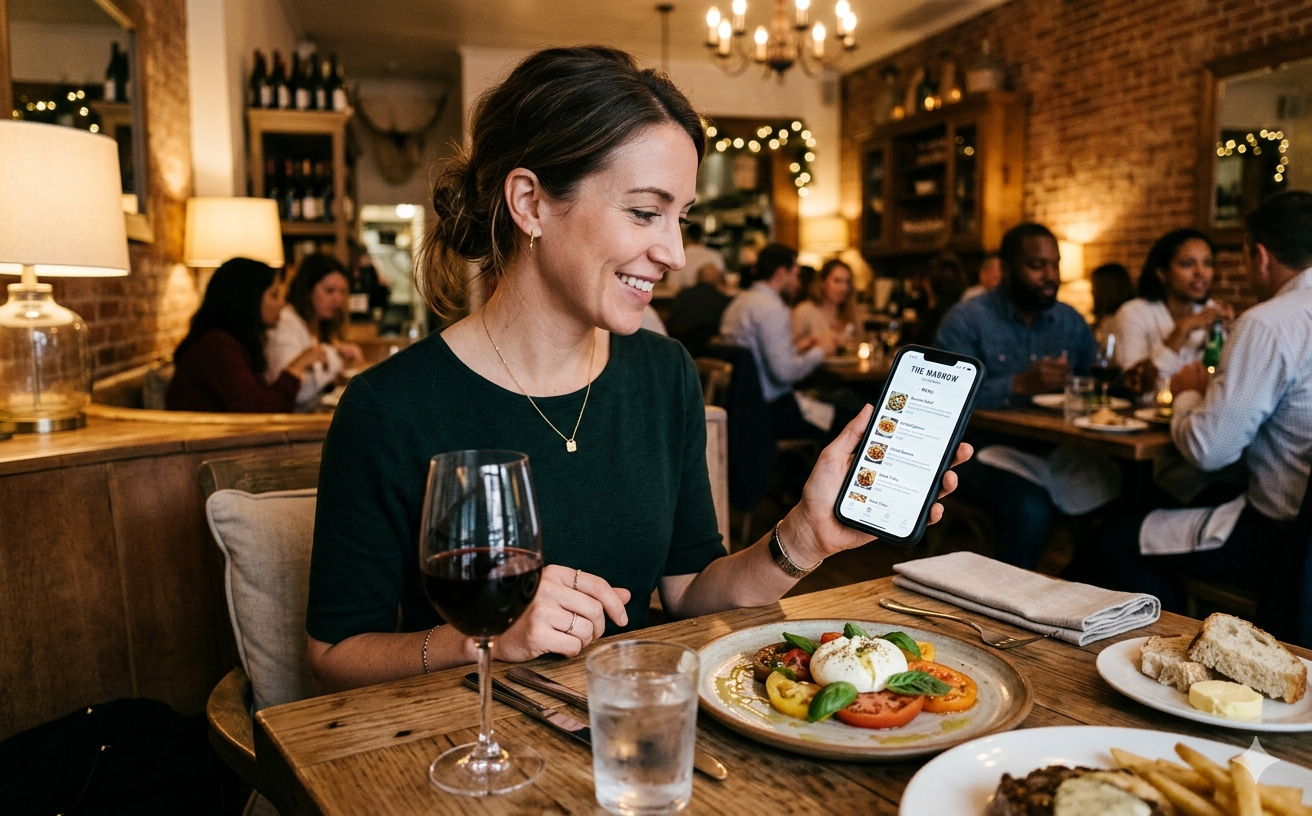
Guests open your menu from any phone
Each table opens your live menu in the browser with photos, categories, and style options on each dish. Guests build the cart themselves, so servers spend less time repeating specials and more time hosting the room.
Live order flow
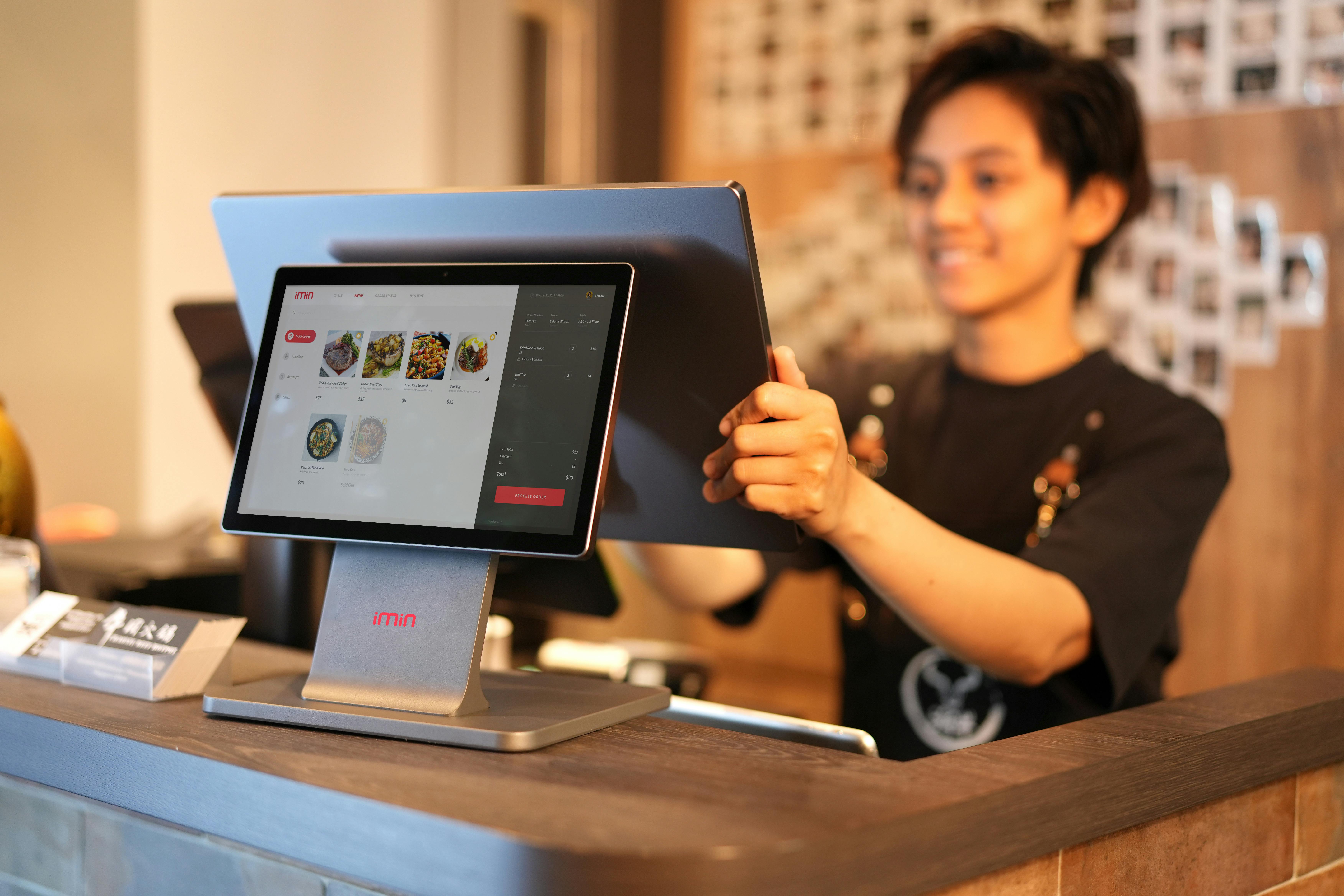
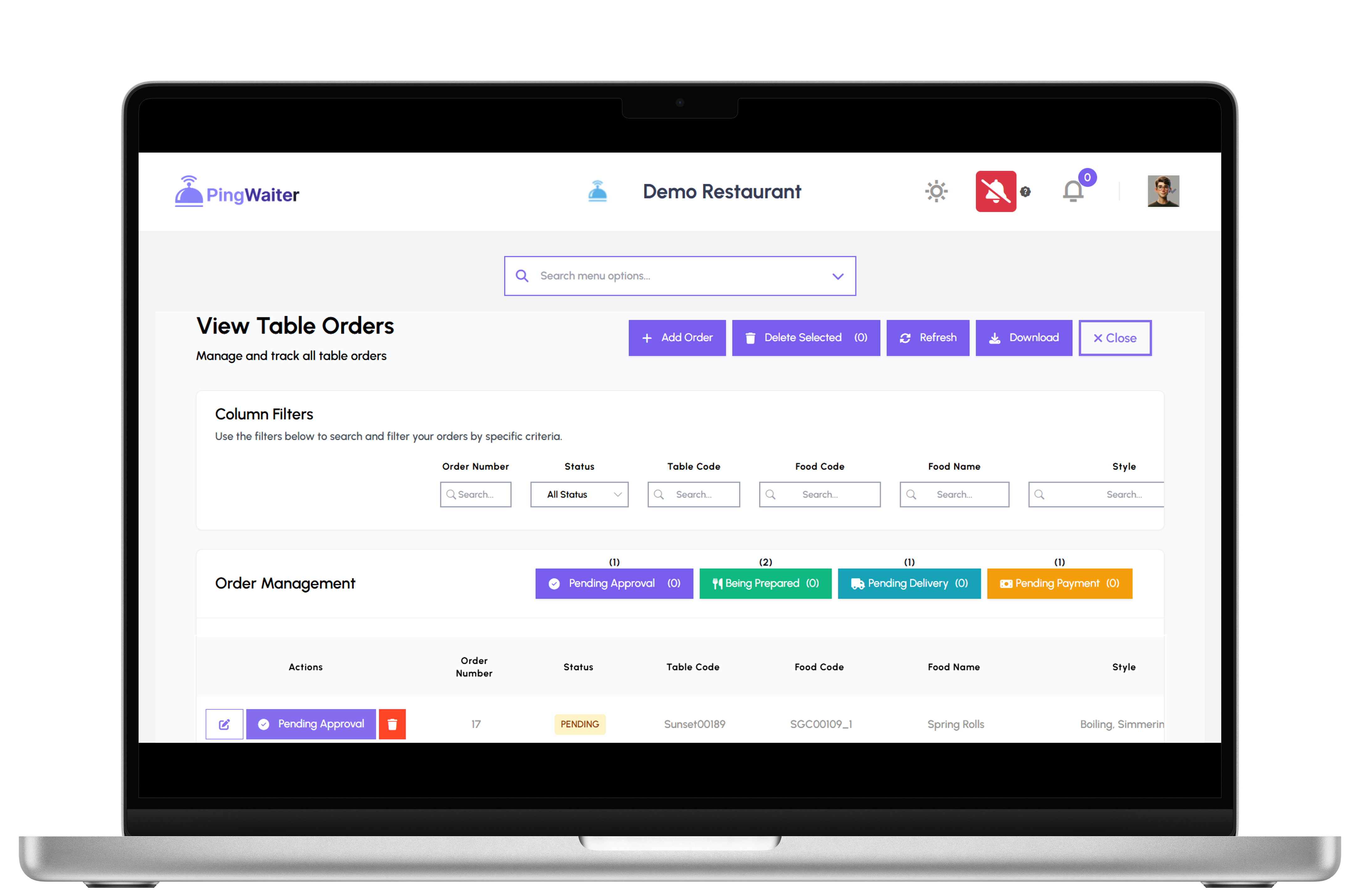
Approve, prepare, and serve from one live board
New checks hit your team as Pending, then move through Approved, Prepared, Delivered, and Completed as you run service. Everyone works off the same queue, and guests can ping staff from the table when they need a person—not a screen.
Web, not apps
Guests order right inside the mobile browser
There is nothing to download from an app store—just your branded flow on the web. After a quick sign-in (email or Google), guests are linked to the table they scanned and can reorder or review history during the visit.

Tables and teams
Set tables, invite staff, run one dashboard
Set up tables, onboard workers with invites, and manage menus and orders from the same back office. Built-in sales reports—and AI Query—give owners a clear picture without exporting spreadsheets by hand.
AI Query Assistant
Ask your data anything—in plain English
Open AI Query from your dashboard and ask questions like “Which restaurant has the highest sales?”, “Top selling items this month?”, or “Which waiter served the most orders?” Answers come from your live PingWaiter data—with insights, Copy, and Excel download so you can act fast.
Restaurant owners and staff get contextual answers for their venues. Demo accounts can try it with a daily query allowance; paid accounts get full access.
Testimonials
 Jordan Munson
Northrop Grumman
Jordan Munson
Northrop Grumman
"PingWaiter cut the lag between guests deciding and the line seeing it—pending tickets pop up instantly with every modifier, so approval and prep start without chasing paper."
 Gary Martin
Cargill
Gary Martin
Cargill
"Accuracy jumped once digital tickets replaced scribbles—remarks stay on the line item, upsells are visible on the phone menu, and we stopped losing add-on revenue at the POS."
 Tina Roth Eisenburg
Raytheon Technologies
Tina Roth Eisenburg
Raytheon Technologies
"Guests stopped flagging us down for another round—the browser menu and waiter ping mean they feel looked after, and satisfaction scores reflect the calmer floor."

Hospitality-first ordering, built for busy floors
PingWaiter keeps guests happy and kitchens in sync
PingWaiter is the workspace behind your dining room: restaurants configure menus and tables; guests authenticate once in the browser, order with modifiers and notes attached, and can call staff with a table ping when they need a human. Your dashboard shows the full lifecycle from Pending through Completed so kitchen and floor stay aligned. We built it for teams that want modern ordering without forcing another app install—just sign in, order, and let the kitchen and floor stay aligned on the same live data.
Ready to serve smarter with PingWaiter?
Here is how it works for your team
How does PingWaiter help restaurant teams succeed?
PingWaiter links each physical table to a secure customer session. After guests sign in, they browse your live menu while your staff watches the same order queue update in real time—including approval before items move into production.
Why do I need PingWaiter for table ordering?
Verbal orders and static PDFs break down when the room gets loud. PingWaiter keeps quantities, styles, and remarks on the digital ticket, reduces back-and-forth, and gives you structured data for reporting instead of guesswork at the end of the night.
- Web-based menus—no native app for guests to download
- Styles and notes stay attached from cart to kitchen handoff
- Table pings surface when someone needs a server or manager
- Bulk actions help crews approve, prepare, and deliver faster
- Sales reports and AI Query support owner oversight
You can grow from a single venue to a multi-table operation without bolting on a second system.
What is AI Query?
AI Query is your in-dashboard assistant for restaurant analytics. Ask plain-English questions about sales, top dishes, waiters, customers, food categories, and trends—then copy results or download Excel. It understands your restaurant context automatically, so “our sales today” means your venues, not generic advice.
Notifications
Keep service synchronized when the floor and kitchen are moving fast:
- Live broadcasts fire when guests ping for a waiter or submit a new cart
- Status changes from Pending through Delivered keep runners aligned on what is cooking versus what is walking
- Team members can open customer contact details from the guest support tools you enable
What is PingWaiter table ordering?
Think of PingWaiter as the control tower between your menu database and each table session. You maintain categories, items, and media in one place; each table opens the right menu view inside the authenticated customer experience.
- Restaurant staff import or edit dishes, attach images, and organize styles the same way guests see them on mobile.
- Customers place orders tied to their profile and table, while workers with the right roles manage approvals, bans, and fulfillment from the back office.
Create a menu once, use many
Publish pricing and descriptions once, then reuse them across every table code. Toggle ordering off for a private event or update an item mid-service without reprinting laminated menus.
Shared access
Owners, invited workers, and service leads all consume the same live data: who ordered what, which ping is unanswered, and where each ticket sits in the workflow—no duplicate spreadsheets or side chats required.
Benefits
Faster response times because digital requests beat shouting across the room. Higher check accuracy because the ticket mirrors the guest’s selections. Better revenue visibility through built-in reporting and AI Query. Happier guests because they can self-serve yet still reach your team instantly.